





Online payments
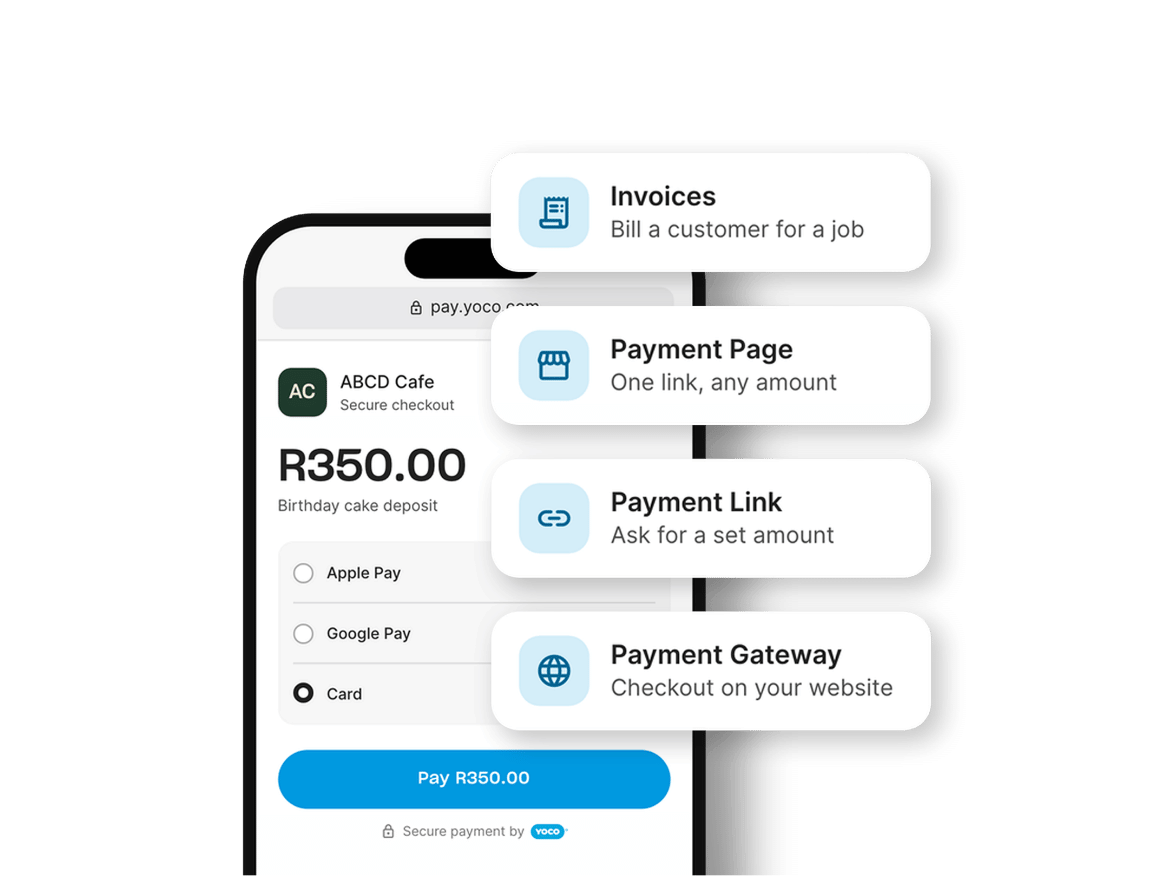
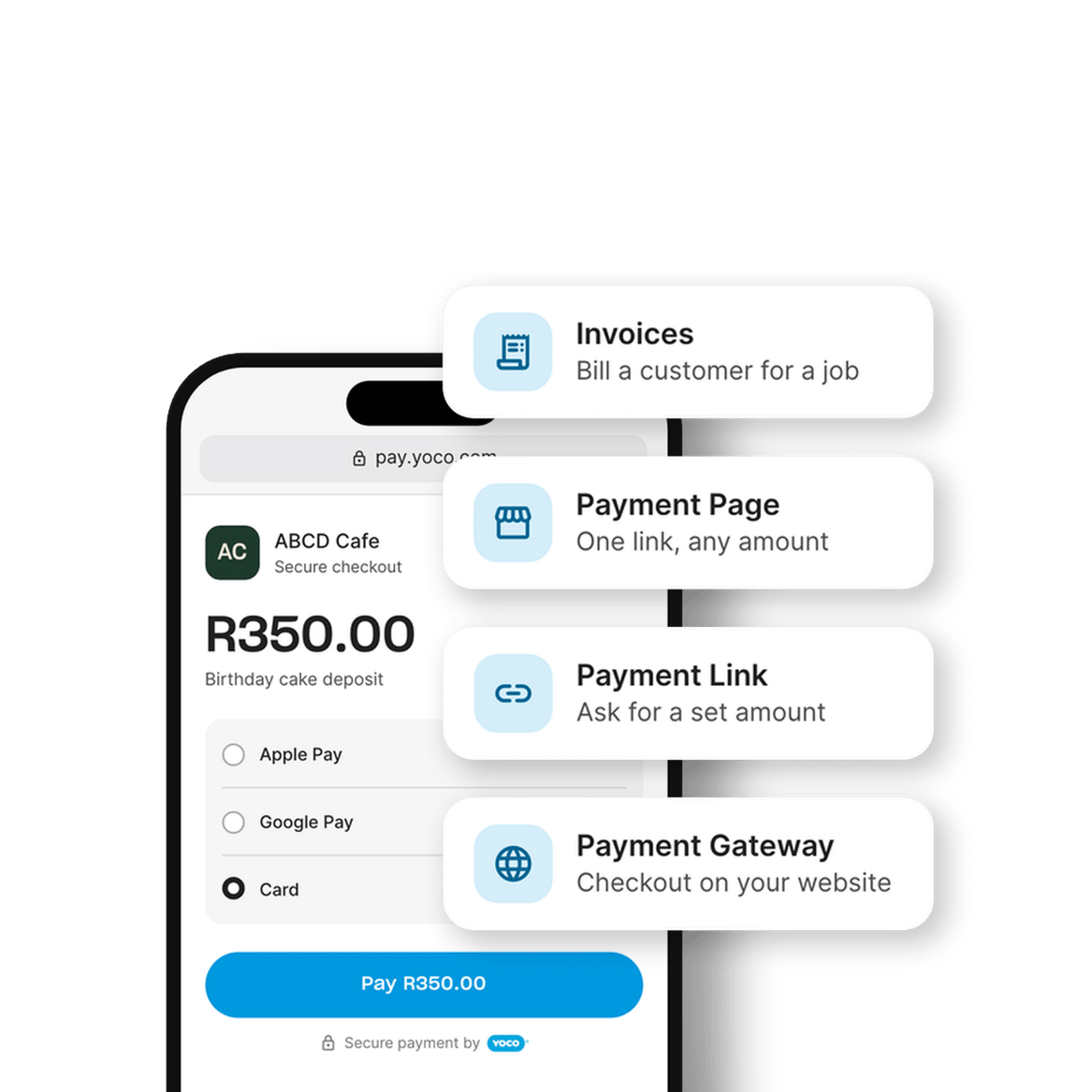
Four ways to get paid online: payment links, invoices, a payment page or your online store. Customers pay by card, Apple Pay or Google Pay, and you see every payment in real time in the Yoco App.


However you sell online, Yoco gets you paid


One Yoco account behind every option
The same secure checkout
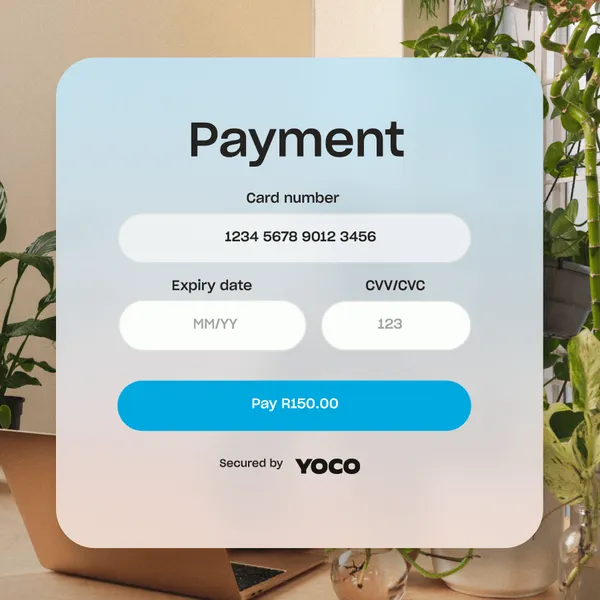
Whichever option you use, your customer pays on Yoco’s checkout by Visa, Mastercard, American Express, Apple Pay or Google Pay. Add Buy Now Pay Later as an optional extra.
Customers anywhere
Cards issued outside South Africa are accepted, and you’re paid in rand.
Every sale in one place
Online and in-person sales sit together in the Yoco App, so you can see what sold without checking two systems.
One payout schedule
Online payments are paid out with the rest of your Yoco sales.
Your sales are combined
Online and card machine sales count towards the same monthly turnover, which can lower the rate you pay on both.
"The best products disappear into the background and just work. Yoco does that, whether the customer is standing in one of our stores or checking out online. It’s one ecosystem, and that makes a lot of sense for Cultish."


Ryan
Founder, Cultish
BACKED BY REAL RESULTS
Thousands of businesses already sell online with Yoco
3,5 million+ online payments collected through Yoco in the past 12 months.
as at September 2026
17,000+ businesses get paid online with Yoco every month.
as at September 2026
More than R5bn paid online through Yoco in the past 12 months.
as at September 2026
Which online payment option fits your business?
Use
Why it fits
Selling in chats
Yoco Payment Links
Selling in chats
You set the amount and send one link per payment.
One link for everything
Yoco Payment Page
One link for everything
Share the same link in your bio, on your site or on a printed QR code.
Donations
Yoco Payment Page
Donations
Each person enters the amount they want to give.
Billing clients
Yoco Invoices
Billing clients
Numbered invoices with line items, VAT and a payment link.
Online store
Yoco Payment Gateway
Online store
Yoco is added to the checkout you already have.
Custom site or app
Yoco Payment Gateway (Checkout API)
Custom site or app
Yoco hosts the payment page, so card details never touch your server.
How to start taking payments online
1.
Sign up for Yoco
Pay the once-off signup fee at checkout, then complete your business profile. It isn’t charged when you buy or own a Yoco card machine.
2.
Get verified
We verify your business before you can take payments. If you’re adding Yoco to a website, we verify the website too.
3.
Start getting paid
Send your first payment link or invoice, or connect your store.

What online payments cost
After you've signed up, there are no further contracts and no monthly fee for any option. You pay when you get paid.
No monthly fee
ON ANY OF THE FOUR OPTIONS
You only pay when a customer pays you. New to Yoco and not buying a card machine? A once-off signup fee is paid at checkout.
Selling in person too?
A Yoco card machine takes card payments at your counter, and your online and in-person sales are paid out together. There is no signup fee for a Yoco card machine, and all online payment methods are included.
-46%


Khumo 2
R
699
R1299
Takes the payment, then handles the rest. Tips, split bills, refunds and staff profiles on the machine. Today's real-time sales on your phone.
-30%

Khumo Print 2
R
1399
R1999
Everything Khumo 2 does, on a bigger screen. Itemised bills, order slips and receipts, without an extra printer taking up space.
Online payments FAQs
Frequently asked questions about getting paid online with Yoco.
Visit Help Centre
Send a payment link in any chat, or send an invoice with a payment link and QR code. Neither needs a website. If you have an online store, Yoco Payment Gateway adds Yoco to your checkout.
It depends on how you sell. Use Yoco Payment Links when you agree a price in a chat, Yoco Invoices when clients need a proper invoice, and Yoco Payment Gateway when you run an online store.
There's no monthly fee for any of the three options. You pay a transaction fee only when a customer pays you, and the rate depends on your Yoco plan and monthly turnover. If you're new to Yoco and sign up without buying a card machine, there's a once-off signup fee, paid at checkout. See our pricing page for current fees.
Visa, Mastercard and American Express cards, including cards issued outside South Africa, plus Apple Pay and Google Pay. Invoices can also be paid by EFT. Diners Club cards aren’t accepted.
Yes. Customers can pay with Visa, Mastercard or American Express cards issued anywhere, and you’re paid in rand.
Once you’ve signed up, we verify your business. If you’re using Yoco Payment Gateway, we also verify your website. Online payments switch on once verification is complete.
No. All three options work without one. If you sign up without buying a card machine, a once-off signup fee is paid at checkout.
Online payments are paid out on your usual Yoco payout schedule, together with your in-person sales.