





Yoco Payment Page
One link any customer can use to pay you, any amount, any time. No website needed.


WHY YOCO PAYMENT PAGE
Set it up once. Get paid every time.

One page for every customer
Share it once and it works for everyone, today and next year. No new payment request every time.

Every payment lands like any other sale
An email when someone pays, and the money in your normal payout.

Make it easy to pay
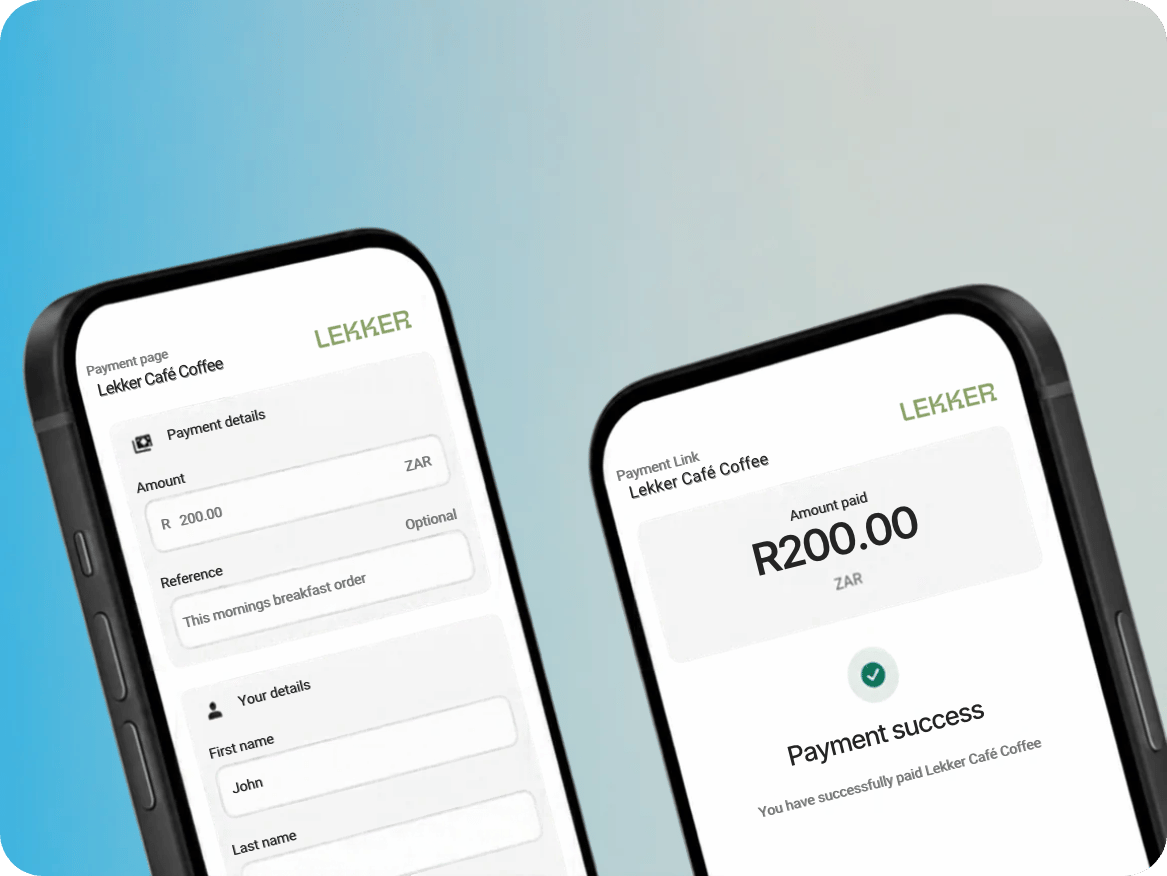
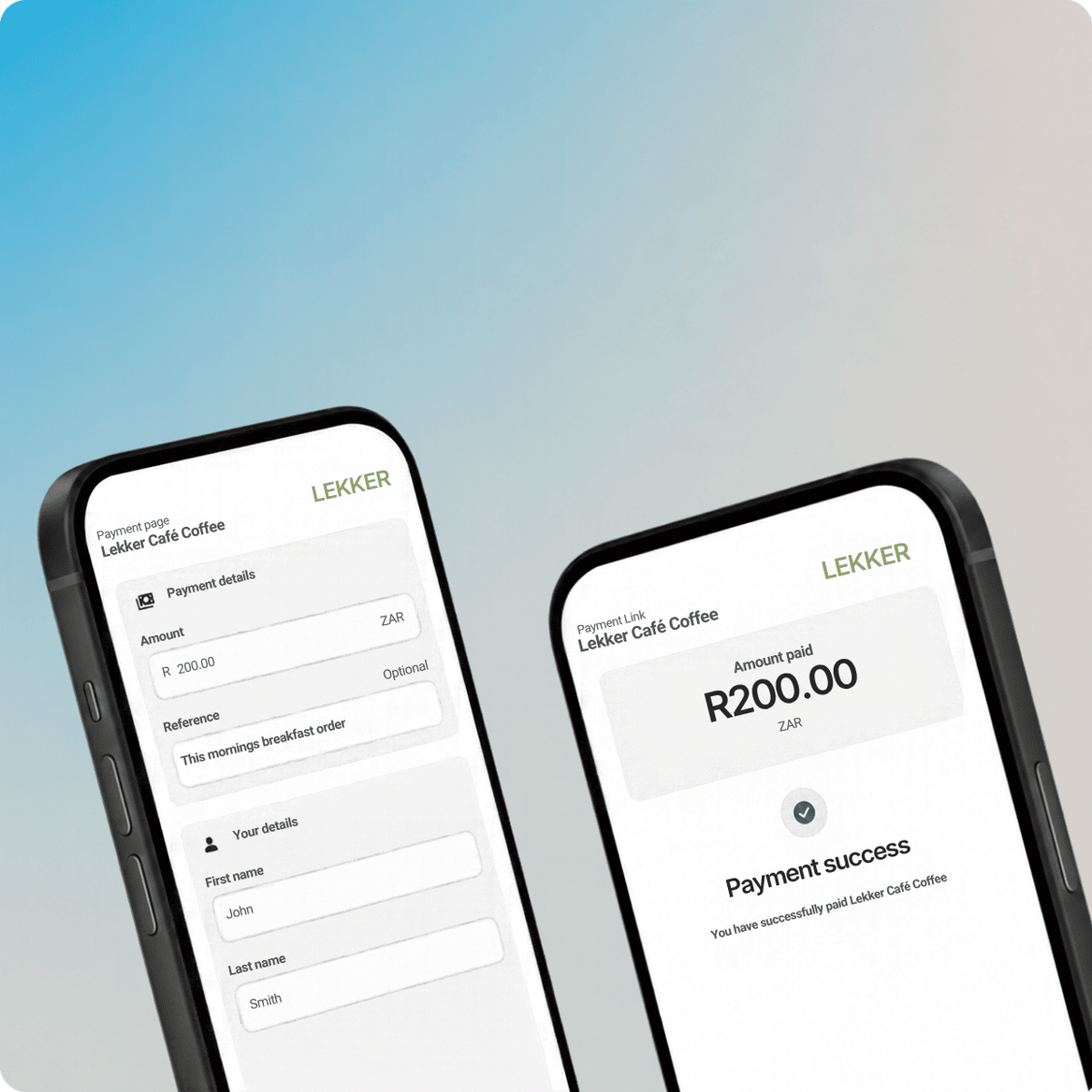
Customers open your link, enter the amount and pay. No app, account or login needed.
Built for repeat payments or letting customers choose how much to pay
Donations and appeals
The giver chooses the amount, so one page works for every donor.
Health, beauty and fitness
Regulars save your link and pay for sessions, treatments and class fees without a new request each time.
Professional services
Put your link on every invoice and clients pay what they owe.
Social and online sellers
One link in your bio, for orders agreed in DMs or comments.

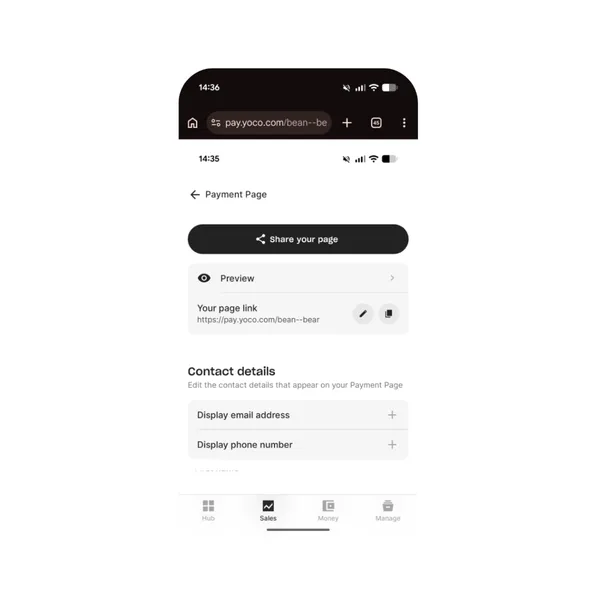
Share your Yoco Payment Page anywhere
In your bio. On Instagram, TikTok or Facebook, so followers can pay without having to ask how.
In your email signature and newsletters. Always there, for one client or your whole list.
On your WhatsApp Business and Google Business profiles. Right where people look you up.
On your website. Link a pay button to your Payment Page, with no developer or plugin needed.

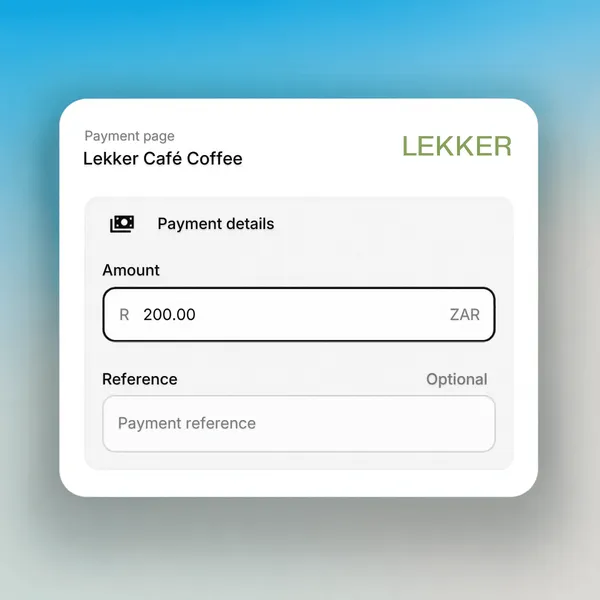
Good to know
Let customers choose what to pay
Customers enter what they want to pay, whether for tips or donations. For fixed amounts, use a Yoco Payment Link.
One page per business
Use it for everything you sell, from products and services to donations.
Anyone with the link can pay
It’s a public page, so share it where your customers already find you, like your socials or website.
Contact details are added separately
Set them up on your page in the Yoco App. Your profile details won’t carry over.
How Yoco Payment Page works
1.
Sign up for Yoco
Pay the once-off signup fee at checkout, then complete your business profile. It isn’t charged when you buy or own a Yoco card machine.
2.
Set up your page
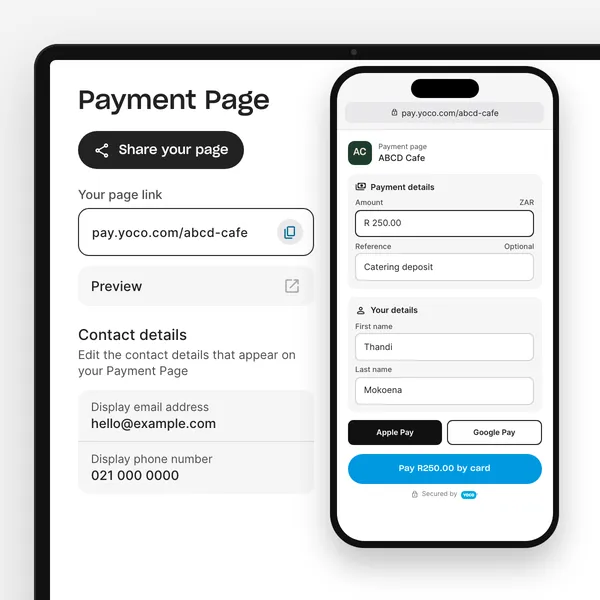
Create your Payment Page in the Yoco App and pick an address with your business name in it. Your logo comes through on its own.
3.
Share your page
In your bio, on your invoices, on your website, anywhere your customers are.
4.
Customers pay
They enter the amount and a reference, then pay by card, Apple Pay or Google Pay. No app or account needed.
Get started
Signup fee explained
A once-off signup fee applies when you sign up without buying a Yoco card machine. Once you’re verified, your account gives you access to all of Yoco’s online products and ways to get paid without a card machine. There’s no signup fee if you buy a Yoco card machine or already have one. T&Cs apply.
Get started

BACKED BY REAL RESULTS
Get paid quickly
300,000+ payments were made through Yoco Payment Pages in the past year.
as at September 2026
More than R400 million paid through Yoco Payment Pages in the past year.
as at September 2026
2 in 5 businesses using a Yoco Payment Page got paid 10 or more times from the same link.
as at September 2026
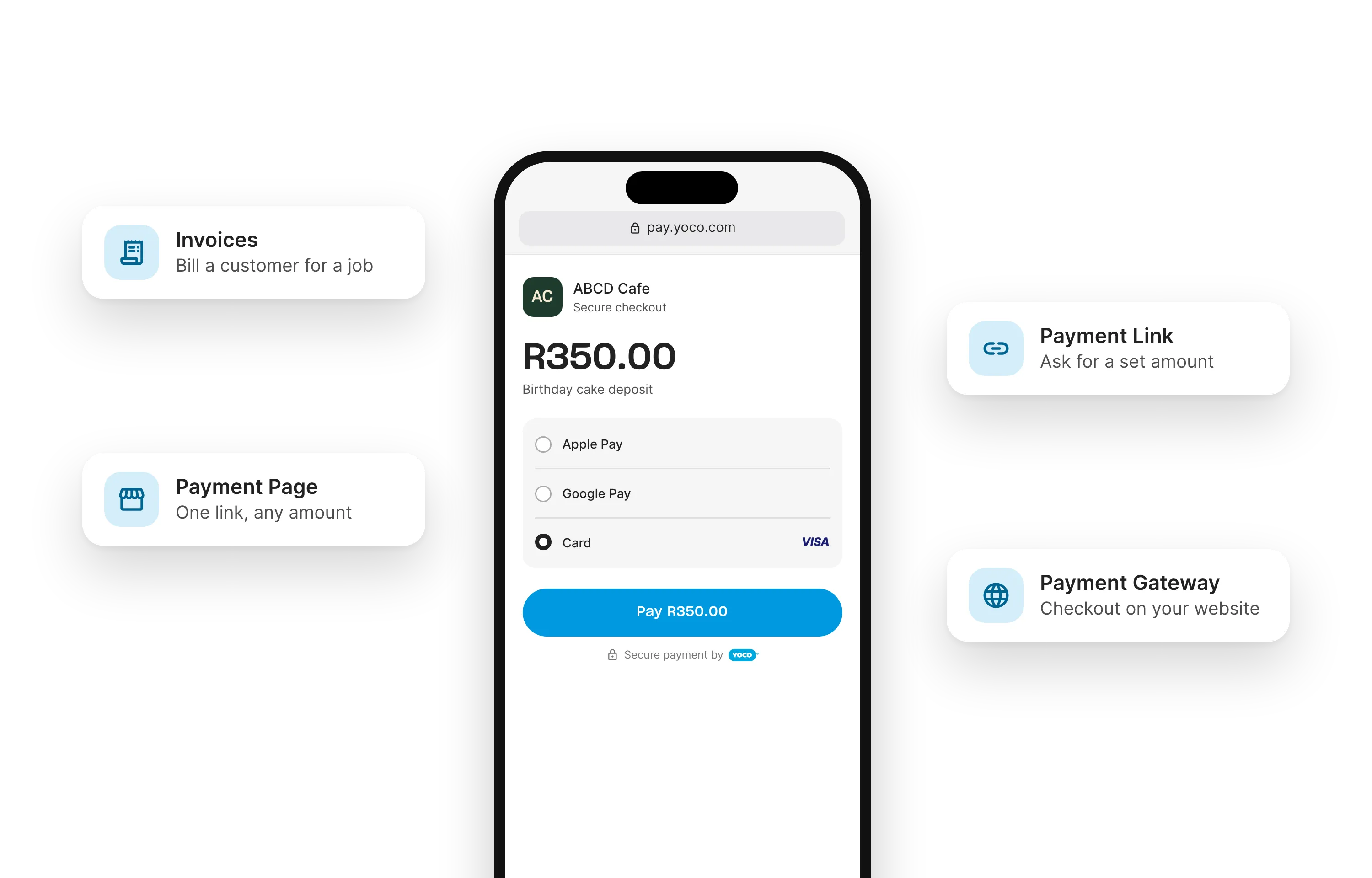
When is payment page best suited?
If you want one link any customer can use to pay you any amount, share one reusable Yoco Payment Page link, for example in your bio, and any customer can open it, enter any amount and pay you online with no website needed.


Other online payment methods
Yoco Invoices
Yoco Payment Links
Yoco Payment Gateway
Best for
Billing a customer with an invoice they can pay online.
Best for
Asking one customer for a set amount.
How it works
Create an invoice and send it by SMS or email.
How it works
Create a link and share it in any chat.
What your customer does
Opens the invoice and pays.
What your customer does
Opens the link and pays.
Reusable?
No. One payment per invoice.
Reusable?
No. One link takes one payment.
Needs a website?
No
Needs a website?
No
There's no monthly fee for Yoco Payment Page. You pay a transaction fee only when a customer pays you, and your rate depends on your Yoco plan. If you're new to Yoco and sign up without buying a card machine, there's a once-off signup fee, paid at checkout. See our pricing page for current fees.
Yes. Your page lives at pay.yoco.com followed by a name you choose, so it reads like your business. You can edit it in the Yoco App.
They open your link, enter the amount, their name, email and a reference, then pay by Visa, Mastercard, American Express, Apple Pay or Google Pay. They don't need an app or an account.
Payments are paid out on your usual Yoco payout schedule, with the rest of your Yoco sales. You get an email for every payment.
No. Each business has one payment page. To ask a customer for a specific amount, send a Yoco Payment Link.
Yes. Each person enters the amount they want to give, and you can share the same link everywhere you ask for support.