Get Rush Ready: big-restaurant control, no big-restaurant budget
December finds the cracks in a business. Here's how Yoco helps your kitchen and your team get through the busiest weeks of the year.
Yoco Editor

You didn't start your business to spend December chasing lost orders or guessing who rang up what. You started it to build something of your own.
For a long time, the tools that keep a busy restaurant under control were built for big groups, while independent cafés, restaurants and bars got the leftovers. Yoco exists to change that by taking care of the grind, so you can get back to the part you love.
On a full floor, things move fast. John van Zyl and Sage Fell know this well. Melting Pot started in 2019 as a 10-seat pop-up on Loop Street. Today it's a chef-driven street-food restaurant at 137 Waterkant Street, with sister deli Pappa's next door. When the room fills up, the kitchen, the bar and the floor all run on one Yoco setup.
Here are 6 ways Yoco helps independent restaurants run on one system built for how they actually operate.
Retire the paper ticket
When the kitchen's slammed, paper tickets get lost, smudged or buried. Yoco’s Kitchen Display System (KDS) puts every order on one screen the whole kitchen trusts. The oldest ticket never gets buried, and the front of house knows the moment food is ready. One KDS screen works on the Plus plan.
It also cuts a cost most kitchens stop noticing. "We spend R1,800 on thermal paper," one of our early KDS merchants told us. With orders on screen, the kitchen no longer needs to print them.
Every order to the right station, no shouting
Prep Stations, also on the Pro plan, sends drinks to the bar and mains to the kitchen, each to its own screen or printer. Each station sees only its own orders, so plates go out the moment they're ready.
Centraal in Stellenbosch switched it on for its bar and kitchen. "Working wonderfully," the owner told us. "We wouldn't change anything."
One screen, not five systems
Yoco Counter is the all-in-one till. Orders, stock and payments sit on one screen, and the reports reconcile themselves, so the end of a long night doesn't turn into an hour of admin.

Take the till to your customer
The queue isn't always at the counter. At Mogodu in the North, Andy and Phindile Bophela serve dine-in, takeaway, delivery and catering across Riversands and Morningside. On a busy day, the action is wherever the customer is standing.
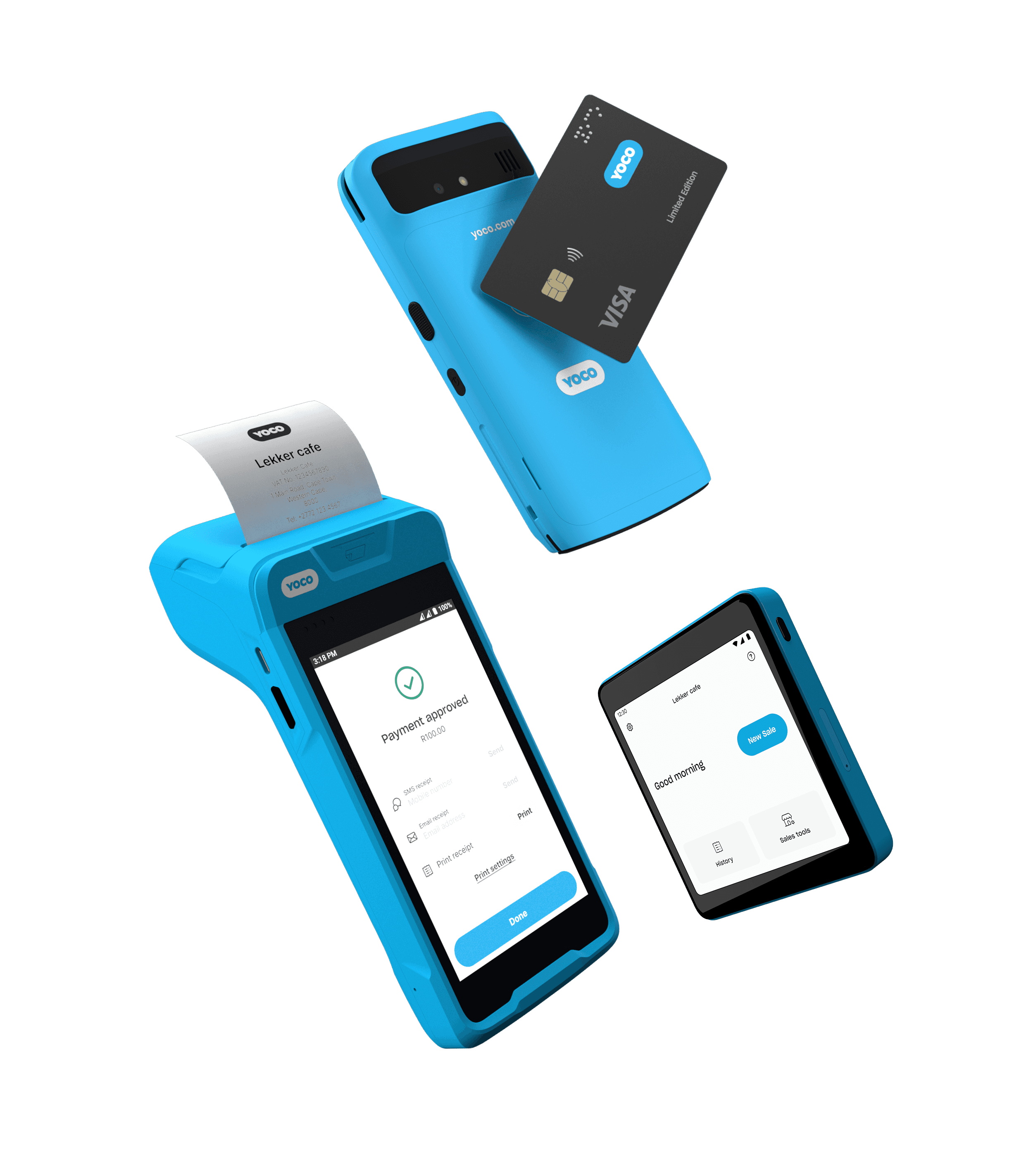
Khumo 2 puts Yoco’s POS in the palm of your hand. Take the order, take the payment and manage the floor from one device. It's 2× faster than the first Khumo, with an 18-hour battery. It's water and dust resistant, sets up in 10 to 15 minutes and costs R699 once-off.
And when a supplier needs paying today, or a public holiday lands right when cash is tight, Instant Payout gets your sales into your bank account in minutes. Your first 3 Instant Payouts are free.
Know your tables, and who did what
Manage your tables from Counter or Khumo 2 on the Pro plan. The Tables report shows how each table performs, so you know which sections earn their keep.
Improved staff permissions, also on Pro, now cover voids and discounts. The voids and discounts report shows every void and discount and who made it, and with auto-lock switched on, the till goes back to staff selection after a quiet spell or a finished sale, so every sale and tip stays tied to the right name. You get control of the floor without standing over it.

Loyalty, minus the stamp card
At Yoco merchants, 50.1% of food and drink revenue comes from recurring customers. The rush brings in people who have never visited before. Most won't download an app for one visit, and a stamp card won't survive a handbag.
Yoco Loyalty, on the Plus and Pro plans, gives them a reason to come back. Customers earn points automatically every time they tap their card. WhatsApp confirms their sign-up and keeps them updated on their points, and when they come back, they can pay with card, cash or points at checkout. More than 46,000 customers have already signed up at 700+ businesses.
Custom Receipts, on the Plus plan, give that first visit a second life. Add your logo, a banner and one link to the digital receipt customers already get, and point it at your New Year menu, a booking page or your socials. Their loyalty points show on the receipt too. You set it once in the Yoco App.
Your December, on your terms
You've already built something people queue for. This season, make sure the queue is the only thing that backs up. The kitchen knows what's next, the floor knows who did what, and new faces have a reason to come back in January.
Some of these features need a Yoco Plus or Pro plan. See what's included on each plan.


Need help finding the right product?
Let us help you choose the best fit for your business.